Five ways to stop getting busted in Turbo Tracks
Stars, nitro, the handbrake and that police car. A few habits that make the later tracks a lot less painful.
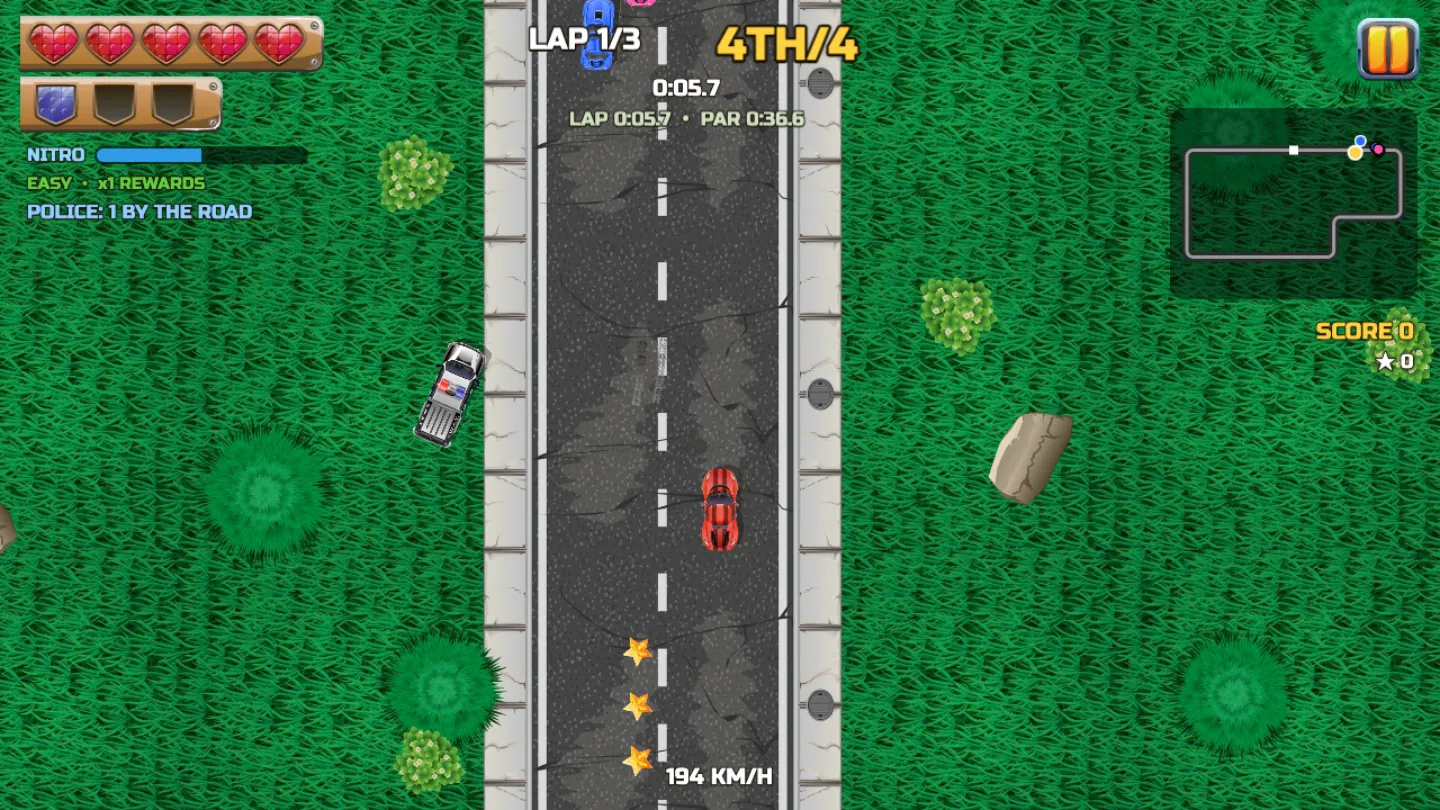
From above, Turbo Tracks looks simple. Then a police car pulls out behind you on lap two and it stops being simple. Here's what helps.
1. Learn the track on Easy
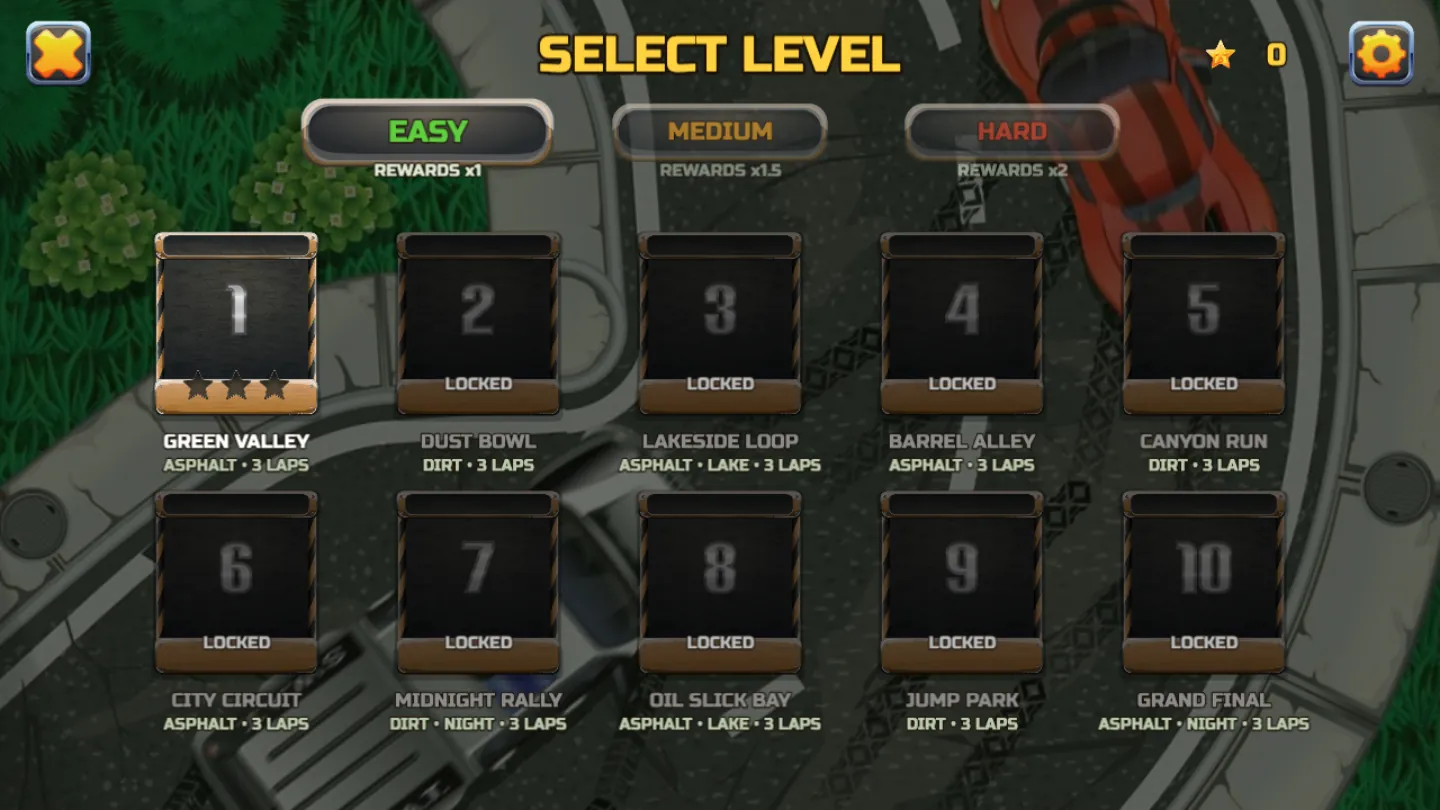
Every race is three laps, but the tracks change a lot. Dust Bowl and Canyon Run are dirt. Lakeside Loop and Oil Slick Bay put water next to the road. Midnight Rally and the Grand Final run at night.
A practice run on Easy costs you a little in rewards (Easy pays ×1, Medium ×1.5 and Hard ×2), but you'll know where the corners are when it matters.
2. Stars are fuel
The stars on the road fill your nitro bar, and nitro is on Shift. A full bar at the right moment beats a perfect racing line most of the time, especially on a long straight with a cop behind you.
3. Don't stop near a cop
Before each race, the level card tells you where the police are. Read it. A police car waits by the road and chases you as you pass. Stop anywhere near it and you're busted.
Spinning out is how that usually happens, which brings us to the next tip.
4. Use the handbrake
Space is the handbrake. Tap it going into a tight corner and you'll drift round instead of braking to a crawl. The timing takes a few tries to get right. Learn it early, because the later tracks get tight.
5. Aim for the podium
You earn stars for finishing in the top three. On a messy track with a cop in play, a safe third is often worth more than a risky shot at first that ends in handcuffs.
Controls
Arrow keys or WASD to drive, Shift for nitro, Space for the handbrake and Esc to pause. On a phone, turn it sideways to race.